Preparing Photos and Artwork for Beautiful Custom Prints
Simple checks for clearer photographs, cleaner artwork and fewer surprises when preparing a personalised product.
Updated 12 June 2026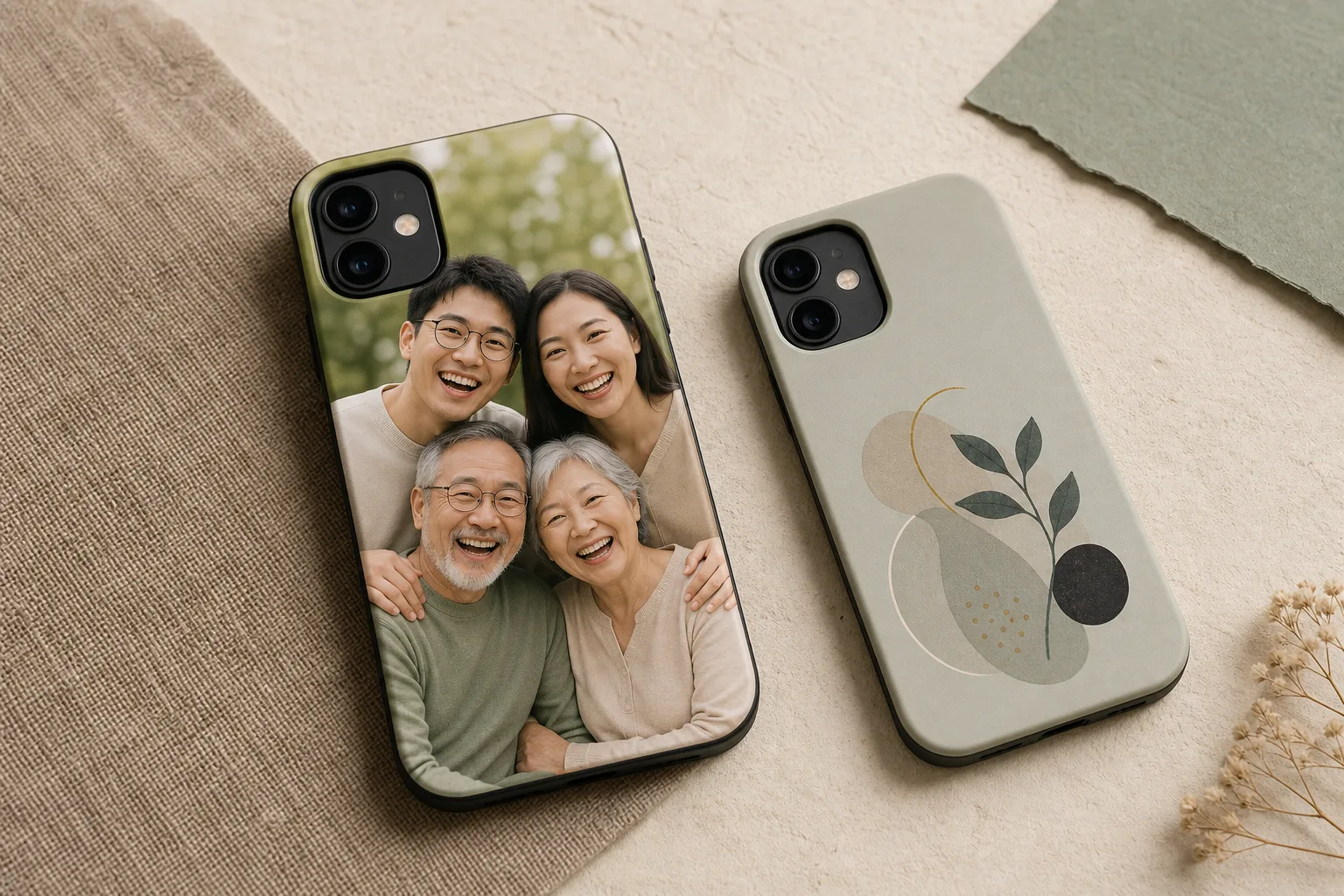
What to know first
Send the largest original photo or cleanest artwork file you have, keep important details away from edges and avoid screenshots when the original file is available.
Use the largest original file you have, keep important details away from the edges and avoid sending screenshots when the original photograph or artwork is available.
Start with the original file
Messaging apps and screenshots can reduce image quality. A direct JPG or PNG usually gives more room to crop and position the design.
Check the focal point
Faces, names and key artwork should remain clear at the final product size. Leave breathing room around important details, especially for phone cases where camera openings affect placement.
Use clean artwork
For names, logos or illustrations, a crisp PNG with a transparent background may be useful. UV printing can reproduce detailed colour on suitable products, but the result still depends on the artwork and selected item.
Review before ordering
Use the ordering app for standard products. For an unusual format, send a custom enquiry with one reference image.
Frequently asked questions
Is JPG or PNG better?
JPG is common for photographs. PNG is useful for artwork that needs transparency or crisp edges.
Do I need to resize the image myself?
Usually not. Send the largest original available and describe how you want it used.